Let’s have a brutally honest developer-to-developer chat.
If you ask any marketer or DIY business owner about page builders like Elementor, Divi, or WPBakery, their eyes will light up. "It’s so easy!" they say. "I can drag and drop a hero section in 30 seconds!"
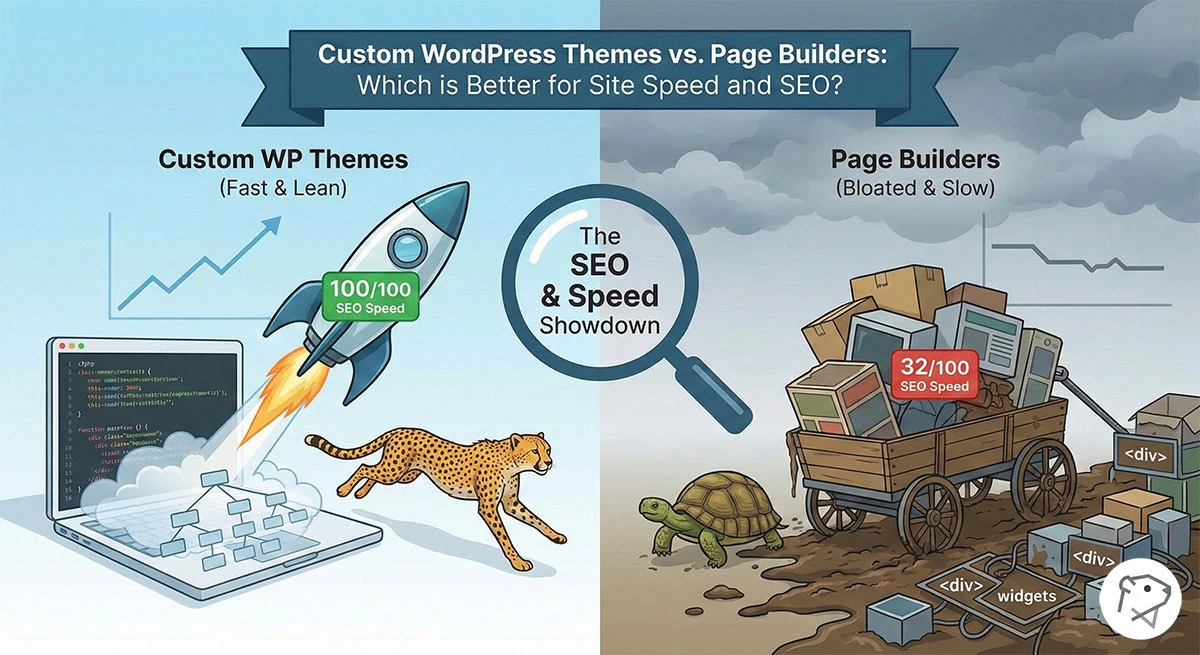
But if you ask a technical SEO specialist or a full-stack developer about those same page builders, you'll probably trigger a mild stress response. Why? Because we are the ones who get called in six months later when the website takes 8 seconds to load, the Google PageSpeed Insights score is a dismal 32/100, and organic traffic has flatlined.
So, when it comes to the ultimate showdown between Custom WordPress Themes and Page Builders, which one actually wins the Site Speed and SEO battle? Let’s strip away the marketing fluff, look at the raw HTML output, and evaluate how Googlebot actually processes these two very different architectures.
The Problem with Page Builders: The "Div-Ception"
To understand why page builders struggle with Technical SEO, you have to look at how they generate code.
Page builders are essentially visual abstraction layers. To allow a non-coder to change the margin, padding, background color, and responsive behavior of a single button, the builder has to output a massive amount of generic HTML and CSS to account for every possible customization.
This leads to what developers affectionately call "Div-Ception"—nesting <div> tags inside other <div> tags infinitely.
A simple <h1> tag in a custom theme looks like this:

That exact same heading built with a popular page builder often outputs something like this:

Multiply that bloat by every single element on the page, and you suddenly have a massive DOM Size. Google explicitly warns against an excessive DOM size because it takes the browser's main thread significantly longer to parse the HTML, calculate styles, and paint the pixels to the screen.
The Asset Bloat (CSS and JS)
Furthermore, page builders load massive global CSS and JavaScript files on every single page, even if you aren't using the features. Have a slick carousel on your homepage? The page builder is probably loading the Swiper.js library on your "Contact Us" page, too. This destroys your LCP (Largest Contentful Paint) and INP (Interaction to Next Paint) scores.
The Case for Custom WordPress Themes
When I build a custom WordPress theme from scratch (usually utilizing a lightweight starter theme and Tailwind CSS or plain SASS), I have absolute, granular control over every single byte of data sent to the browser.
Here is why custom themes dominate in Technical SEO:
1. Semantic, Lightweight HTML
We only write the HTML that is absolutely necessary. A cleaner DOM means the browser renders the page instantly. More importantly, search engine crawlers easily understand the semantic structure (using <article>, <section>, <aside>, and proper heading hierarchies) without wading through a swamp of wrapper divs.
2. Conditional Asset Loading
With a custom build, I can use WordPress functions like is_page('contact') to ensure that a heavy JavaScript file (like a Google Maps API script) only loads on the Contact page. The rest of the website remains blazing fast.
3. Database Efficiency
Page builders store all of their structural data, inline styles, and configurations as massive serialized arrays inside the wp_postmeta database table. Over time, this bloats the database, slowing down your server's Time to First Byte (TTFB). Custom themes, specifically when paired with a tool like Advanced Custom Fields (ACF), store data much more cleanly and query it far more efficiently.
The Middle Ground: Gutenberg Blocks (The Modern Approach)
Now, I’m not saying clients shouldn't be able to edit their own websites. Hardcoding everything into PHP templates is a massive bottleneck for marketing teams.
The modern solution—and the one I use for high-end enterprise builds in 2026—is a Custom Hybrid Theme using Gutenberg and ACF Blocks.
WordPress's native block editor (Gutenberg) outputs incredibly clean React-based code. By registering custom blocks using Advanced Custom Fields, I can give the marketing team the "drag-and-drop" experience they crave, while I completely control the front-end HTML and CSS output.
-
The client gets an intuitive backend.
-
The browser gets lightweight, semantic HTML.
-
Google gives the site a 100/100 on PageSpeed Insights.
The Verdict: Which Should You Choose?
Use a Page Builder If:
-
You are building a low-budget MVP (Minimum Viable Product).
-
You are a DIY business owner trying to get a site up over the weekend.
-
Organic traffic (SEO) is not your primary channel for acquiring customers.
Invest in a Custom WordPress Theme If:
-
You are a serious business relying on organic search traffic to generate revenue.
-
You are spending money on SEM/Google Ads (a faster site means a higher Quality Score, which lowers your cost-per-click).
- You want to pass Core Web Vitals with flying colors and provide an enterprise-grade user experience.
If your business relies on Google rankings, a heavy page builder is a technical debt you will eventually have to pay off. Doing it right the first time with clean code is always the smartest investment.
